How to Use a Hanko Image as Your Personal Art Mark
How to Use a Hanko Image as Your Personal Art Mark
A small hanko can add a distinctive Japanese touch to your artwork while showing who created it. Traditionally, hanko are personal seals used in Japan as signatures or marks of identity. In digital art, a hanko-style image can work in a similar way: as a recognizable mark placed on your illustrations, designs, comics, and creative projects.
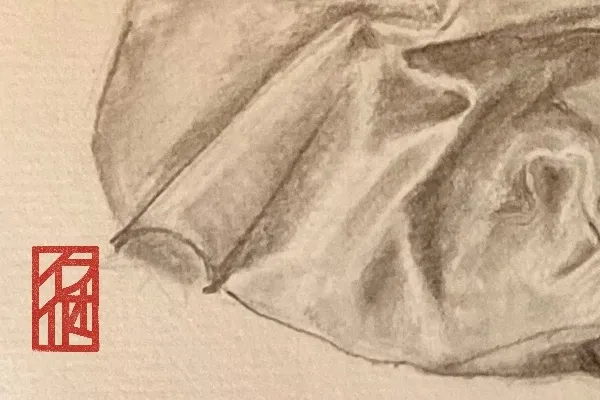
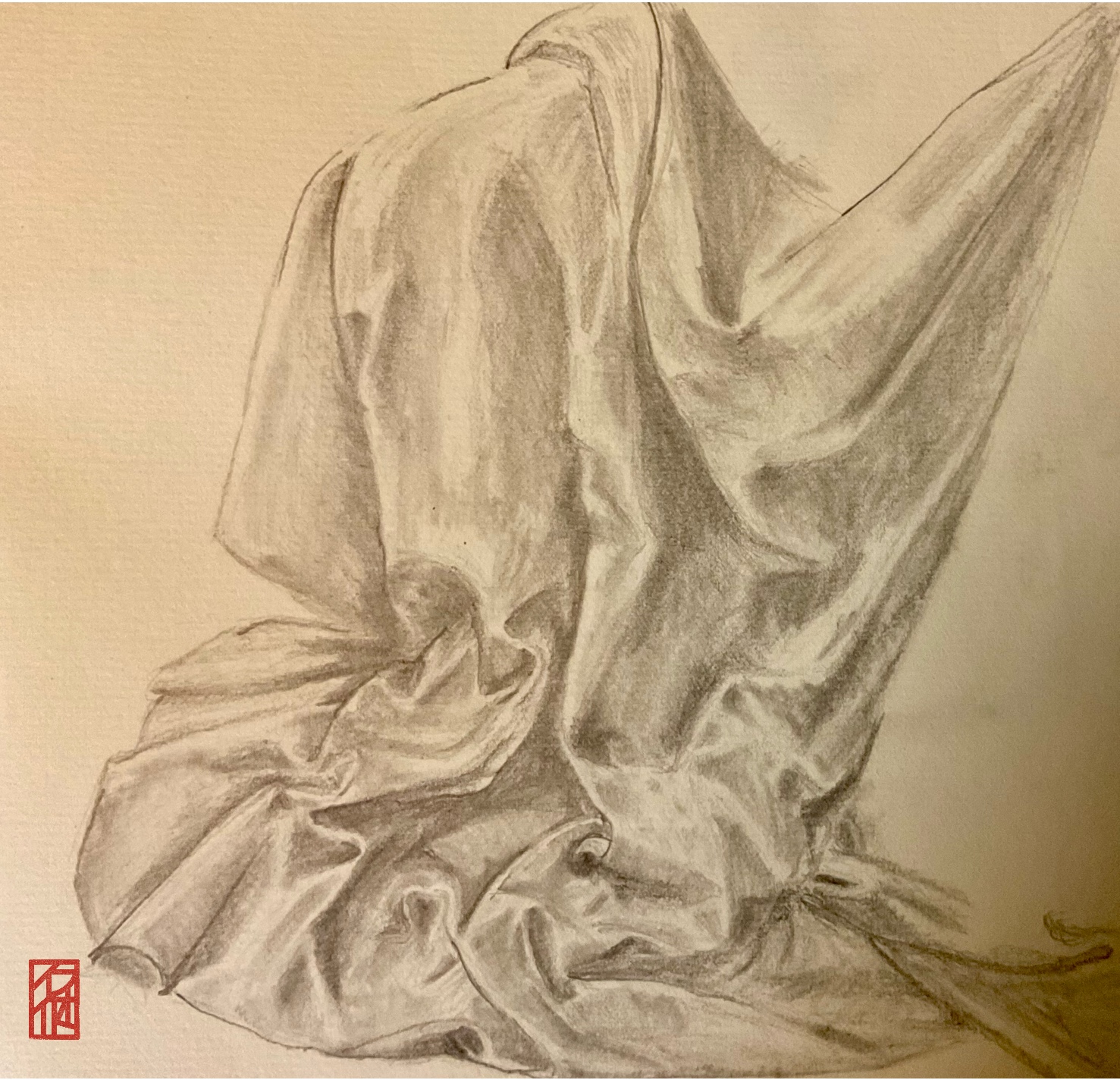
In this example, the hanko image is placed at the lower-left corner of my drawing.
What Is a Hanko Image?
A hanko image is a digital artwork inspired by a traditional Japanese seal. It usually has a compact shape, bold lines, and a red seal-like appearance.
Unlike a formal registered seal, a digital hanko image is mainly a creative signature for artwork and design projects.
Why Add a Hanko to Your Artwork?
A hanko can make your work easier to recognize. Even a small mark can help create a consistent visual identity across different illustrations.
It can also:
Add a traditional Japanese-inspired detail
Make your artwork feel more personal
Create consistency across a portfolio or social media account
Help viewers identify your work
Add a finished look to illustrations, comics, and posters
You do not need to place the hanko in a large or obvious position. A small mark can be enough.
Where Should You Place It?
The lower-left corner is a natural place for a hanko image. It keeps the mark visible without taking attention away from the main artwork.
You can also try placing it:
Near the artist’s signature
In an open area of the composition
On a title card or illustration label
How to Add a Hanko Image to Your Artwork
1. Open your artwork
Use your preferred image-editing or illustration software, such as:
2. Import the hanko PNG
Place the hanko image on a new layer above your artwork. A PNG with a transparent background makes this process simple because you can place it directly over the illustration.
3. Adjust the size
Resize the hanko so it supports the artwork rather than overpowering it. You can begin with a small size and increase it gradually if needed.
For a subtle artist mark, try making it approximately:
3–8% of the image width for a small signature
8–12% for a more noticeable design feature
The best size depends on the composition and the style of your artwork.
4. Move it to the lower-left corner
Drag the hanko to the lower-left area of the drawing. Leave a small margin from the edges so it does not look crowded or become cut off when the image is exported.
5. Check the visibility
Make sure the hanko can be seen against the background. If the background is busy or dark, you can:
Move the hanko to a lighter area
Adjust its opacity
Add a subtle light background shape
Change the scale
Use a different version of the hanko, if available
6. Export your finished artwork
When the placement looks right, export the image in your preferred format. Keep the original layered file so you can move or remove the hanko later.
Try Different Uses
You can also place it on:
Character art
As a watermark
Social media posts
Digital greeting cards
Portfolio images
Personal project covers
For a collection of artworks, using the same hanko in a similar position can create a consistent signature style.